
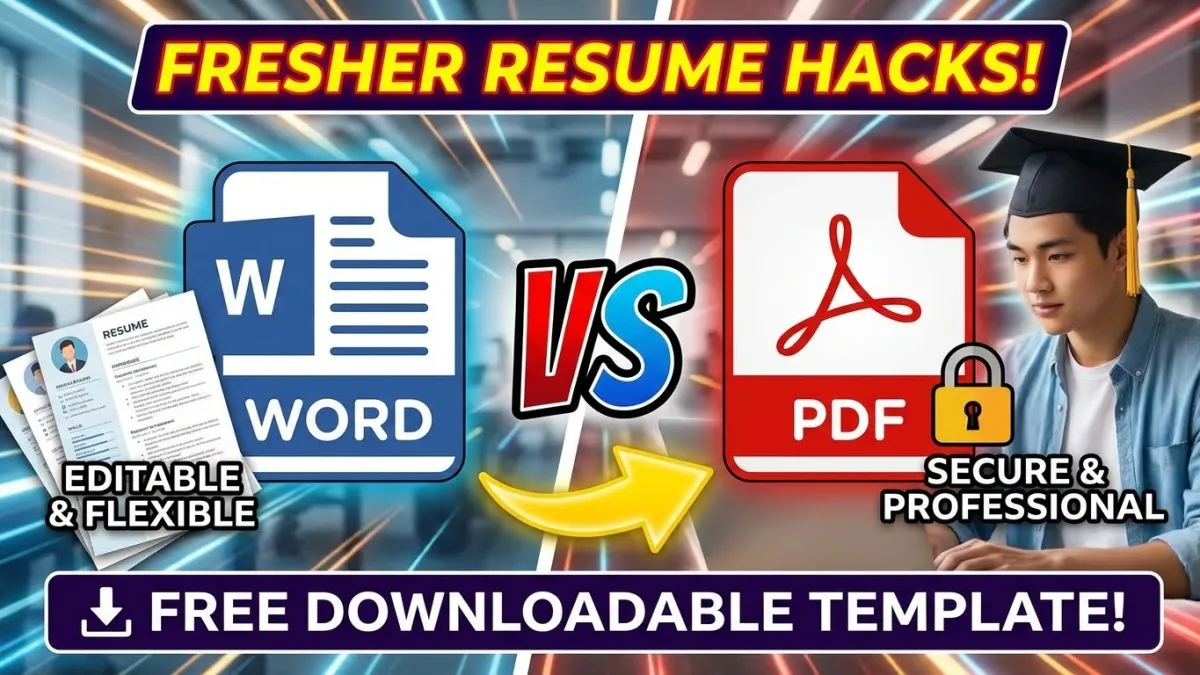
Word vs PDF Your Resume is Getting Rejected Before Anyone Reads It
Listen, I know what you’re going through.
You studied hard. You cleared your Govt Exam Preparation 2025 rounds. You’re ready for that Sarkari Naukri.
But your resume? It’s getting rejected in 10 seconds.
Why?
Because you’re making the same mistake 90% of freshers make – sending the wrong file format.
Today, I’m going to solve this problem once and for all. No confusion. No stress.
Just simple advice that works.
The Reality Check: Why Most Freshers Fail at Resume Submission
Let me be honest with you.
Most students think: “Resume toh bas apni details daal do, ho gaya”.
Wrong.
Here’s what actually happens:
- You send a Word file → HR’s computer opens it → Your formatting is broken → Everything looks messy → Rejected
- You use fancy fonts → The company’s system can’t read it → Your resume goes to trash → Rejected
- You ignore the job posting instructions → They asked for PDF → You sent DOCX → Auto-rejected by software
The truth? Your resume never reached a human being.
This is why you need to understand the Word vs PDF battle right now.
The Solution: Word vs PDF – When to Use What (Step-by-Step)
Step 1: Understand the Difference
Let me break it down in simple words:
MS Word (.doc or .docx)
- You can edit it easily
- Good for making your resume
- Problem: Opens differently on different computers
- Formatting breaks 50% of the time
PDF (.pdf)
- Cannot be edited easily (that’s good!)
- Opens the same way everywhere
- Professional look
- Best for submission
My Rule: Make in Word. Send in PDF.
Step 2: When to Use Word Format
Use Word ONLY in these situations:
✅ When the job posting specifically asks for Word format
✅ When you’re still making your resume (editing phase)
✅ When a company wants to edit your details themselves
✅ For government forms that require editable format
Important: Even for Sarkari Naukri Tips applications, read the notification carefully. Some ask for PDF, some for Word.
Step 3: When to Use PDF Format (90% of the Time)
Use PDF in these situations:
✅ When applying through email
✅ When uploading to job portals (Naukri, Indeed, LinkedIn)
✅ When no specific format is mentioned
✅ For Govt Exam Preparation 2025 related job applications
✅ When you want your resume to look professional
Why PDF wins?
- Your formatting stays perfect
- No one can accidentally edit your resume
- Shows you’re serious and professional
- Works on all devices (phone, computer, tablet)
Step 4: How to Convert Word to PDF (Easy Method)
Don’t pay anyone for this. Do it yourself in 2 minutes.
Method 1: Using MS Word
- Open your resume in Word
- Click “File” → “Save As”
- Choose location
- In “Save as type” → Select “PDF”
- Click Save
- Done!
Method 2: Using Google Docs (If you don’t have MS Word)
- Upload your Word file to Google Drive
- Open with Google Docs
- Click “File” → “Download” → “PDF Document”
- Done!
Method 3: Online (Free)
- Go to any Word to PDF converter (ilovepdf.com, smallpdf.com)
- Upload file
- Download PDF
- Warning: Don’t use these for sensitive documents.https://acrobat.adobe.com/link/acrobat/word-to-pdf?x_api_client_id=adobe_com&x_api_client_location=word_to_pdfhttps://acrobat.adobe.com/link/acrobat/word-to-pdf?x_api_client_id=adobe_com&x_api_client_location=word_to_pdf
Pro Tip: The “Secret Sauce” That Makes Your Resume Stand Out
Now let me share something most students don’t know.
Having the right format is just 50% of the battle.
The other 50%? Having the RIGHT CONTENT in the RIGHT STRUCTURE.
I’ve seen thousands of resumes. Here’s what separates winners from losers:
Winners:
- Use a clean, ATS-friendly template
- Have proper sections (Education, Skills, Projects, Internships)
- Use action words (Achieved, Led, Completed, Designed)
- Keep it to 1 page only (you’re a fresher, remember?)
Losers:
- Use colorful templates from Canva (looks good, but gets rejected by software)
- Write long paragraphs (no one reads them)
- Put unnecessary details (hobbies: reading, traveling – NO!)
Here’s my Exam Strategy for you:
I’ve created a proven resume template that works for:
- Engineering freshers
- Commerce graduates
- Students targeting Sarkari Naukri
- Private sector jobs
This template is:
- ✅ ATS-friendly (passes software screening)
- ✅ Available in both Word and PDF
- ✅ Pre-formatted with proper sections
- ✅ Used by students who got jobs in TCS, Infosys, Banks, and Government departments
[NOTE TO WEBSITE OWNER: Add your PDF product link here with text like: “Download the Complete Resume Template Package with 5+ formats, sample content, and cover letter templates – Available Free for FreeResults.in readers”]
read more:Library vs. Home Study: Which is Actually Better for Focus? (Govt Exam Preparation 2025)
Quick Comparison Table: Word vs PDF
| Feature | Word Format (.docx) | PDF Format (.pdf) | Winner |
|---|---|---|---|
| Professional Look | Average | Excellent | PDF ✅ |
| Formatting Stability | Breaks often | Always perfect | PDF ✅ |
| Easy to Edit | Very easy | Difficult | Word ✅ |
| File Size | Larger | Smaller | PDF ✅ |
| Email Attachment | Risky | Safe | PDF ✅ |
| Company Software Compatibility | 60% success | 95% success | PDF ✅ |
| For Making Resume | Best option | Not ideal | Word ✅ |
| For Sending Resume | Risky | Best option | PDF ✅ |
Clear Result: Make in Word → Send in PDF
Sample Resume Submission Schedule for Job Seekers
| Time | Activity | Format to Use |
|---|---|---|
| Week 1 | Research company requirements | – |
| Week 1-2 | Create resume in MS Word | .docx (editing) |
| Week 2 | Get feedback from 2-3 people | .docx (editing) |
| Week 3 | Finalize content | .docx |
| Week 3 | Convert to PDF | |
| Week 3 | Create 2-3 versions for different job types | |
| Week 4 onwards | Start applying (send PDF version) | |
| Save for future | Keep both Word and PDF versions | Both |
My Final Word to You
Brother/Sister, let me tell you something important.
You’ve already done the hard part – you studied, you cleared exams, you built skills.
Don’t let a small technical mistake like wrong file format stop you.
Remember:
- Make your resume in Word (easy editing)
- Always send it in PDF (professional look)
- Read the job posting (follow instructions)
- Keep it simple (1 page, clean format)
Your dream Sarkari Naukri or private job is waiting.
But only if your resume reaches the right person in the right format.
Stop making this mistake from today.
Action Step: Right now, open your resume. Convert it to PDF. Keep both versions saved. Start applying confidently.
You’ve got this! 💪
Q1: Can I send both Word and PDF versions in one email?
Answer: No, don’t confuse the HR. Send only what they ask for. If nothing is mentioned, send PDF only. Keep Word version for your records.
Q2: My PDF resume is showing in a different font. What to do?
Answer: This happens when you use custom fonts. Solution: Use standard fonts only – Arial, Calibri, Times New Roman. These work everywhere. Avoid fancy downloaded fonts.
Q3: Should I password-protect my resume PDF for Govt Exam applications?
Answer: No! Never password-protect unless specifically asked. Government departments and companies use software to scan resumes. Password blocks the software. Your resume will be auto-rejected. Keep it simple and accessible.